
How to Make the Amazon Echo Hear You Better
Teach Alexa to be a better listener
Courtesy of Amazon
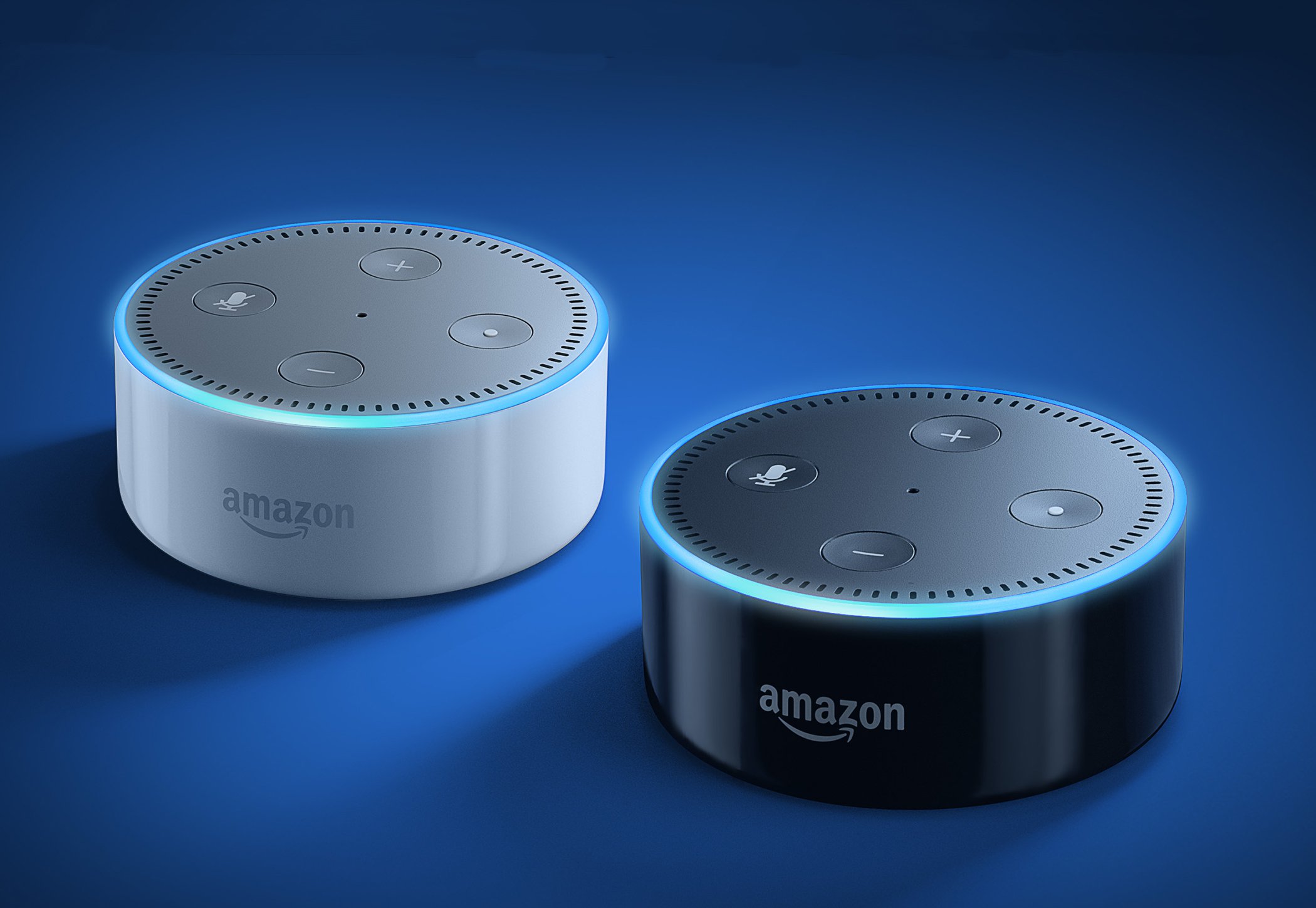
One of the near-universally praised aspects of the Amazon Echo smart speaker is how well it hears and understands users’ voice commands. This is partially due to the array of microphones on top of the device, as well as the backend software that interprets the sounds and gives them meaning. But sometimes Alexa hits an audio snag. Here’s how to clear the lines of communication.
Related: The ultimate guide to the Amazon Echo
First, ensure there’s nothing blocking your Echo from hearing your voice, in every direction. When you say your Amazon Echo’s wake word (“Alexa,” “Echo,” or “Amazon”), you will see a blue light race around the brim of the speaker. Where it stops is the direction in which Alexa is listening. If you experience repeated problems when Alexa is listening in a particular direction, check to make sure there’s nothing nearby obstructing or distorting the sound coming into that microphone. If that doesn’t help, physically turn the speaker so it’s less likely to use that particular microphone.